
Features
Just a few of the reasons you'll love HandBrake
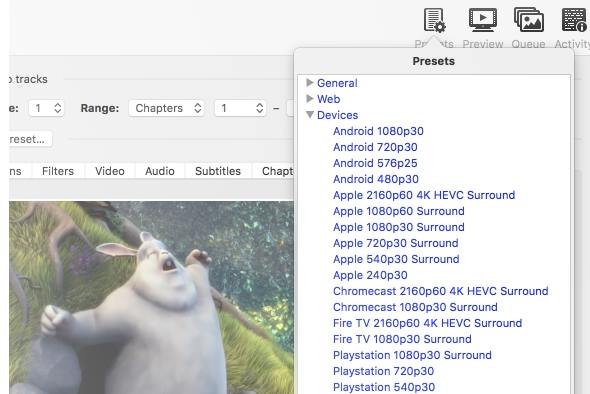
Built-in device presets
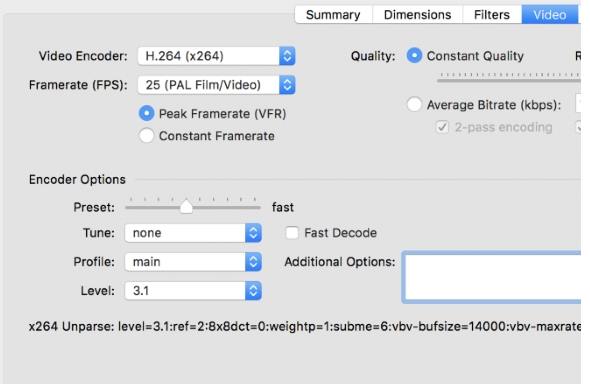
Get started quickly with a preset optimised for your device, or choose a universal profile for standard- or high-quality conversions. You can also adjust basic and advanced settings to fine-tune your encodes.
Supported input sources
HandBrake can process most common multimedia files, as well as DVD and Blu-ray sources without copy protection.
Output formats and encoding
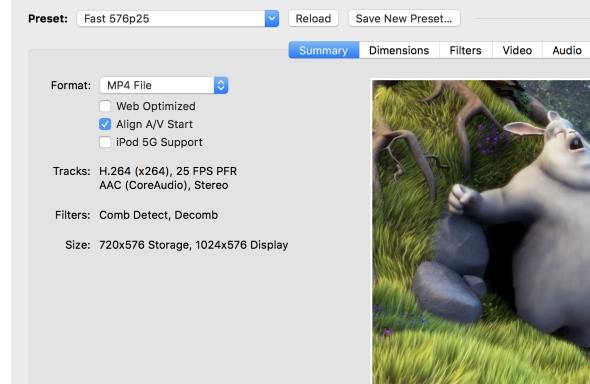
- File Containers: .MP4, .MKV and WebM
- Video Encoders: AV1, H.265 and H.264, MPEG-4 and MPEG-2, VP8 and VP9
- Optional hardware-accelerated video encoding
- Audio Encoders: AAC / HE-AAC, MP3, FLAC, AC3, E-AC3, Opus and Vorbis
- Audio passthrough: AC-3, E-AC3, FLAC, DTS, DTS-HD, TrueHD, AAC, Opus, MP3 and MP2 tracks
Even more features
- Title / chapter and range selection
- Batch Scan and Queueing of encodes
- Chapter Markers
- Subtitles (VobSub, Closed Captions CEA-608, SSA, SRT)
- Constant Quality or Average Bitrate Video Encoding
- Support for VFR and CFR
- Video Filters: Deinterlacing, Decomb, Denoise, Detelecine, Deblock, Grayscale, Colourspace, Cropping and scaling
- Live Static and Video Preview
- HDR Pass-thru
License
Most of HandBrake's source code is covered by the GNU General Public License, version 2. A copy is included with every release in the COPYING file. Some portions are covered by the BSD 3-Clause License.
Credits
HandBrake uses libraries under (L)GPL, BSD and MIT licenses. See the credits list and thank their authors.